Step 1
Select “Transcript (Student Copy)” 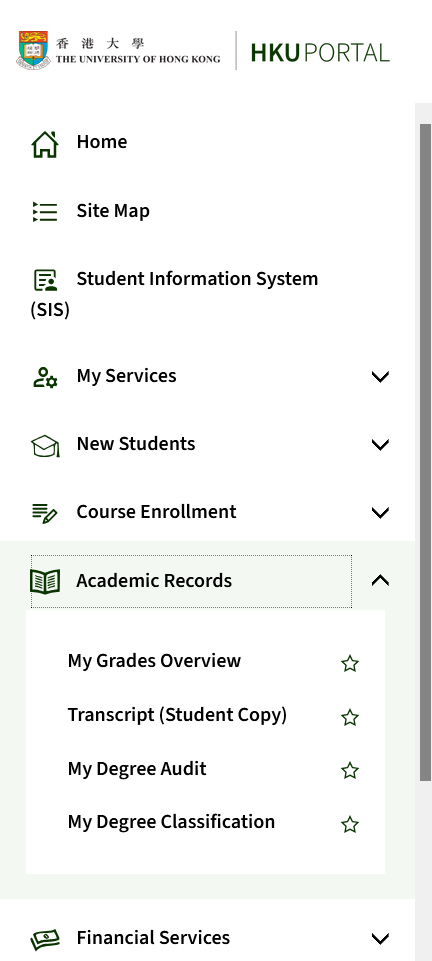
Step 2
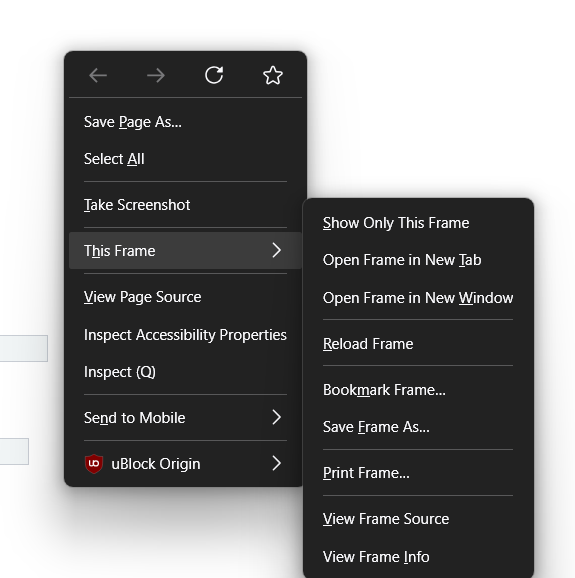
Right click at the empty background of the page and select “This Frame” > “Print Frame…” to open the print dialog.
Different browser UI might vary. I used Firefox in this example.
The idea is to print the frame instead of the whole page, so that the header and footer of the page are not included in the printout.
Step 3
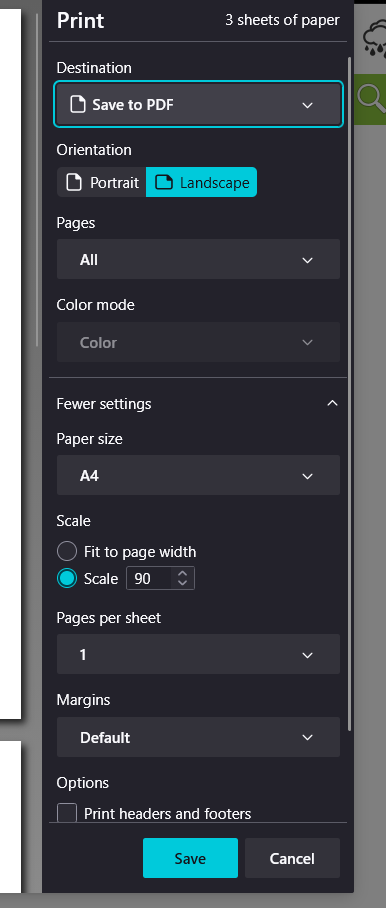
Select “Save to PDF” as the printer and click “Print” to save the transcript as a PDF file.